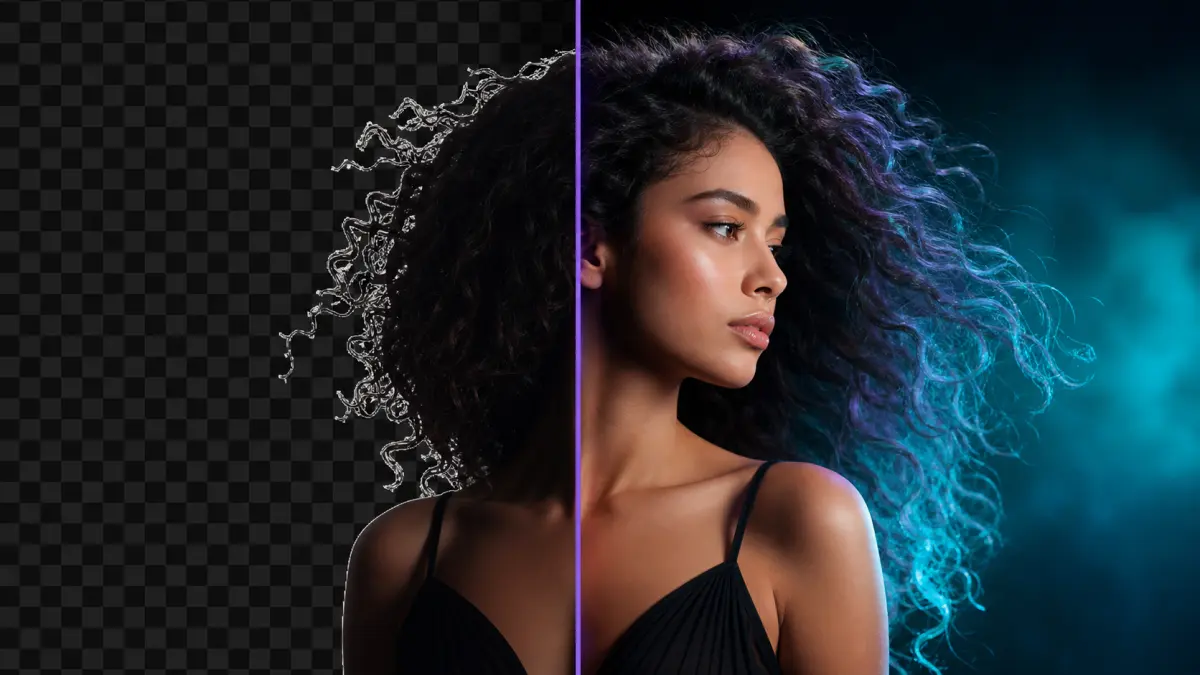
Inspect a historical matting export whose .png filename hides a JPEG, reproduce the alpha check, and follow a working transparent-background alternative.Read guide →
Developer articles · 15 engineering notes
Engineering notes
For developers: implementation decisions, source reviews and reproducible experiments from Timeline Studio. These are technical records, not step-by-step tool tutorials.
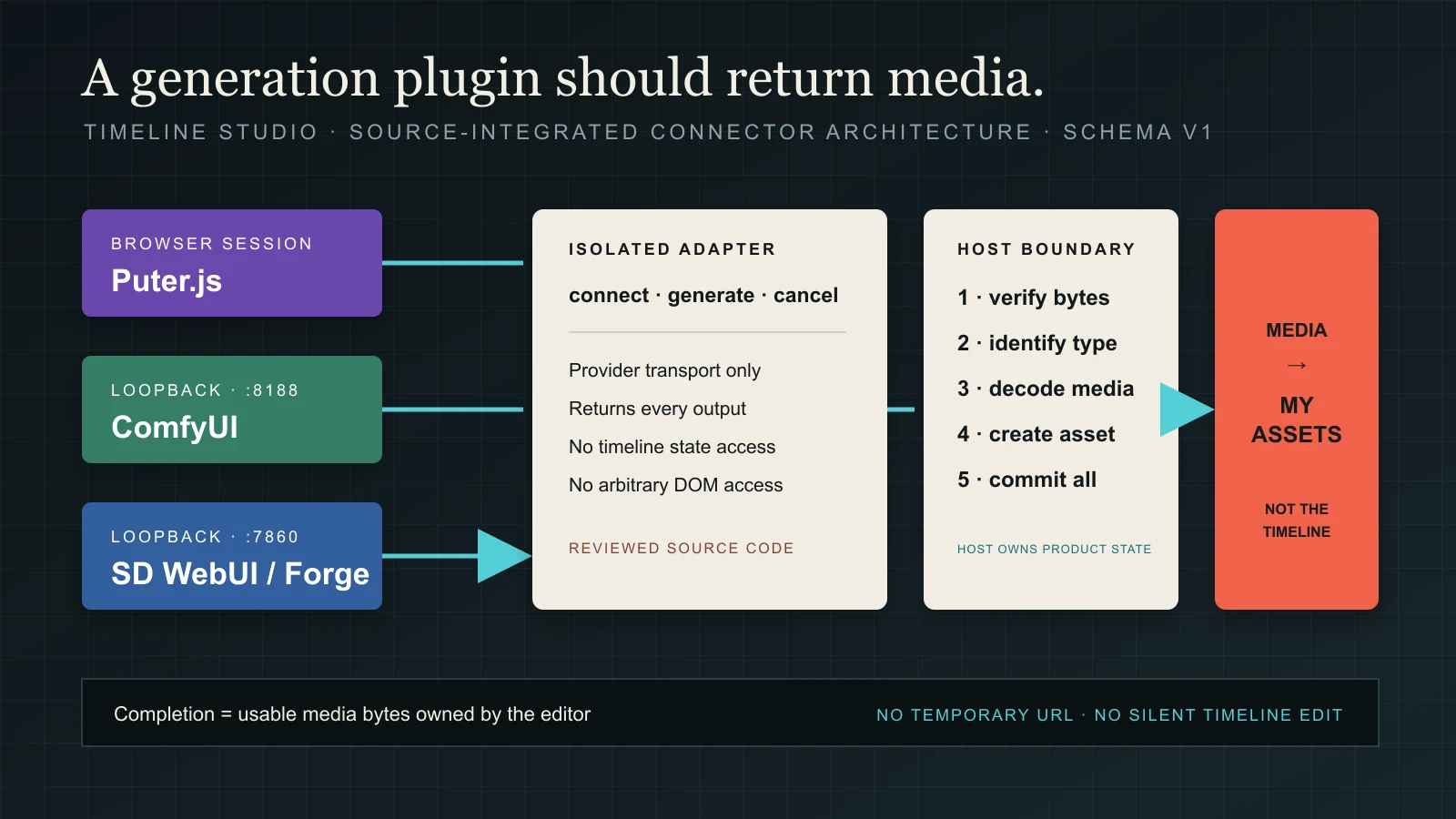
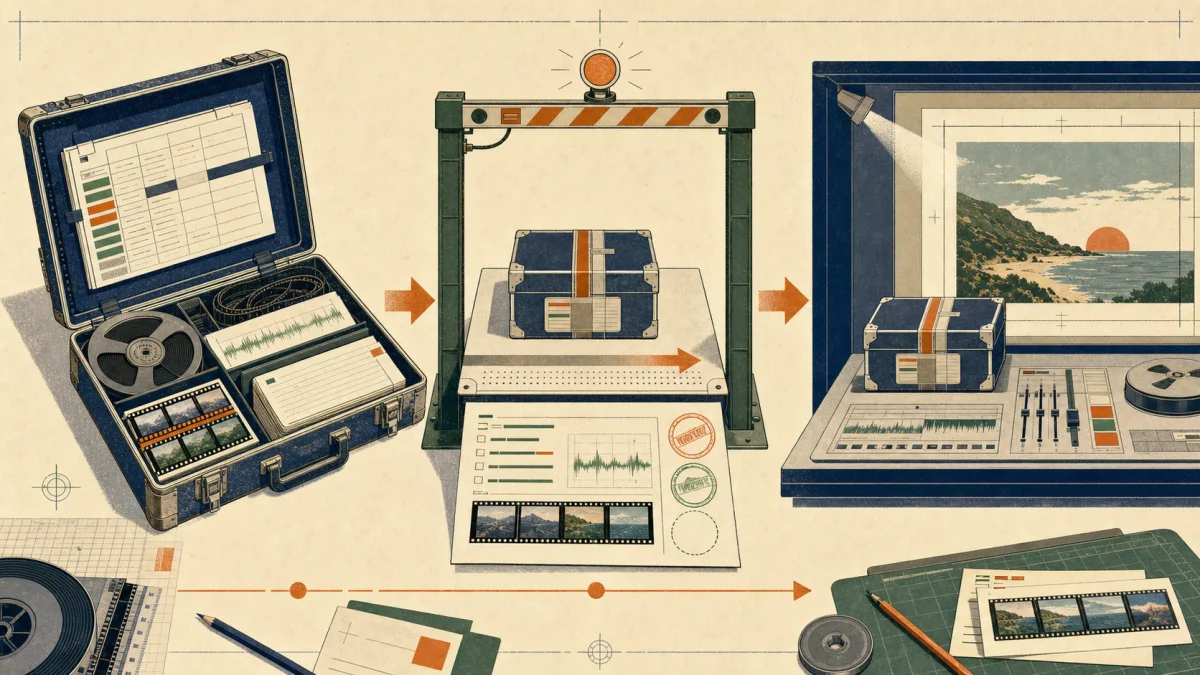
How Puter.js, ComfyUI and Stable Diffusion WebUI stay behind isolated adapters while the host validates real bytes and commits every result to My assets.Read field note →
A reproducible timing brief moves diagnostic audio one second earlier, keeps its linked label aligned and verifies the retained source range before writing.Read field note →
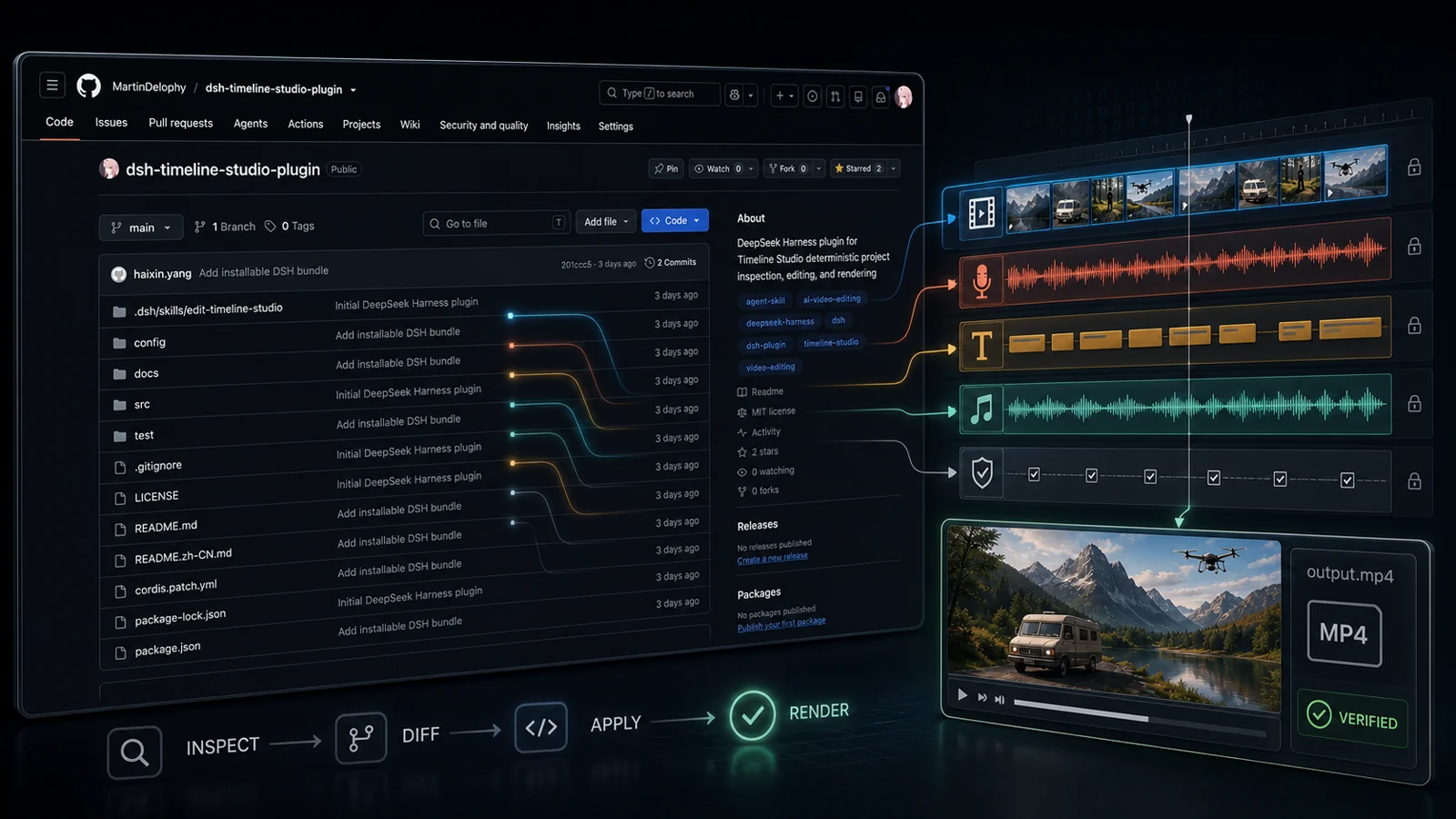
Replay six filesystem and error-boundary checks from a pinned DeepSeek Harness plugin, with source hashes, logs and limits on its historical MP4 claim.Read field note →
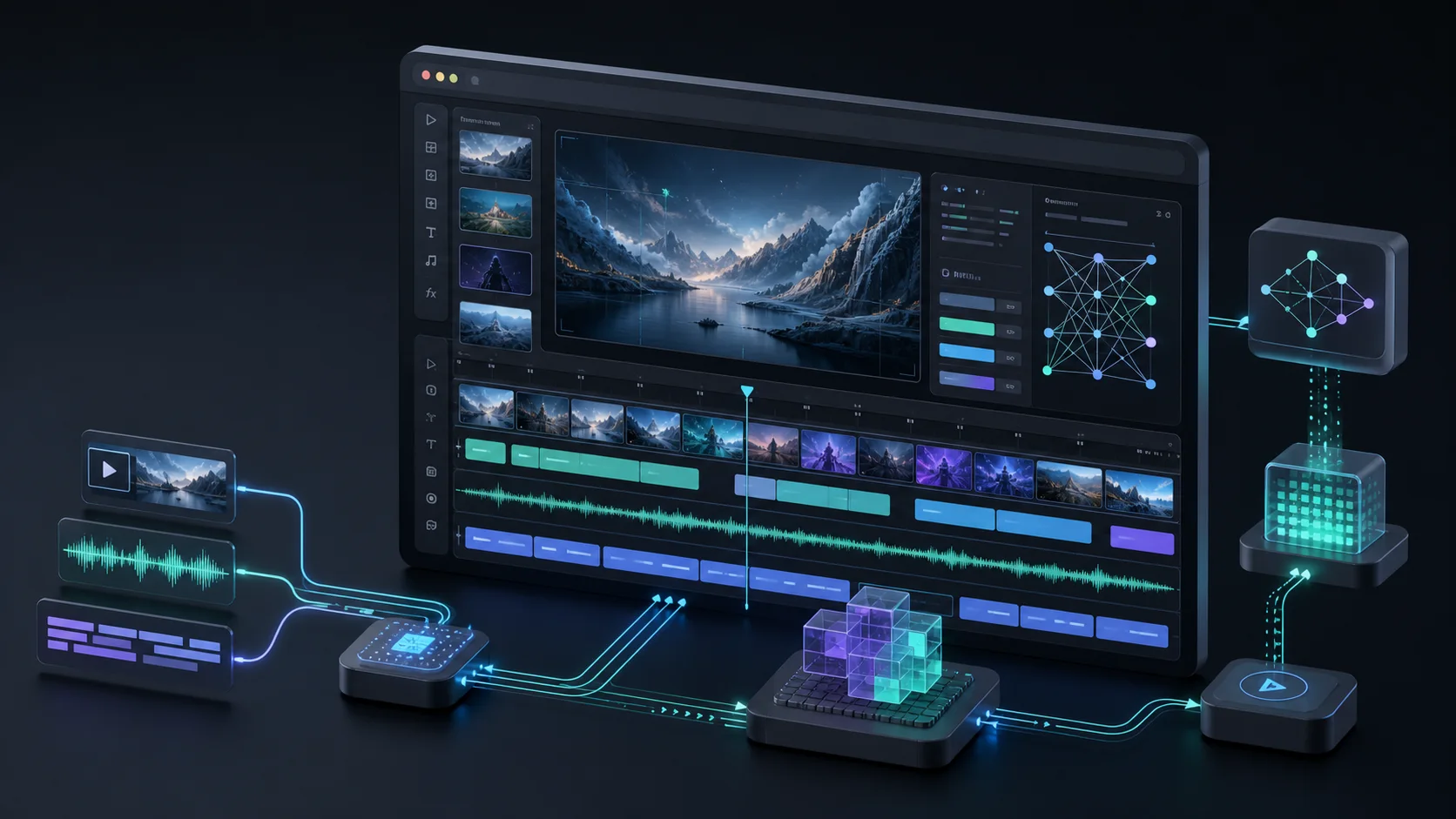
Six architecture decisions behind Timeline Studio, from Web Workers and model caching to temporal vision tracks and resilient browser export.Read guide →
Review the recorded 5D GridSample rewrite and numerical errors, with historical timing limits, current frame reuse and the missing audiovisual benchmark.Read guide →
Inspect four actual test videos: a short shot can be missed before or after sampling. Compare candidate scores, timing failures and reproducible source evidence.Read guide →
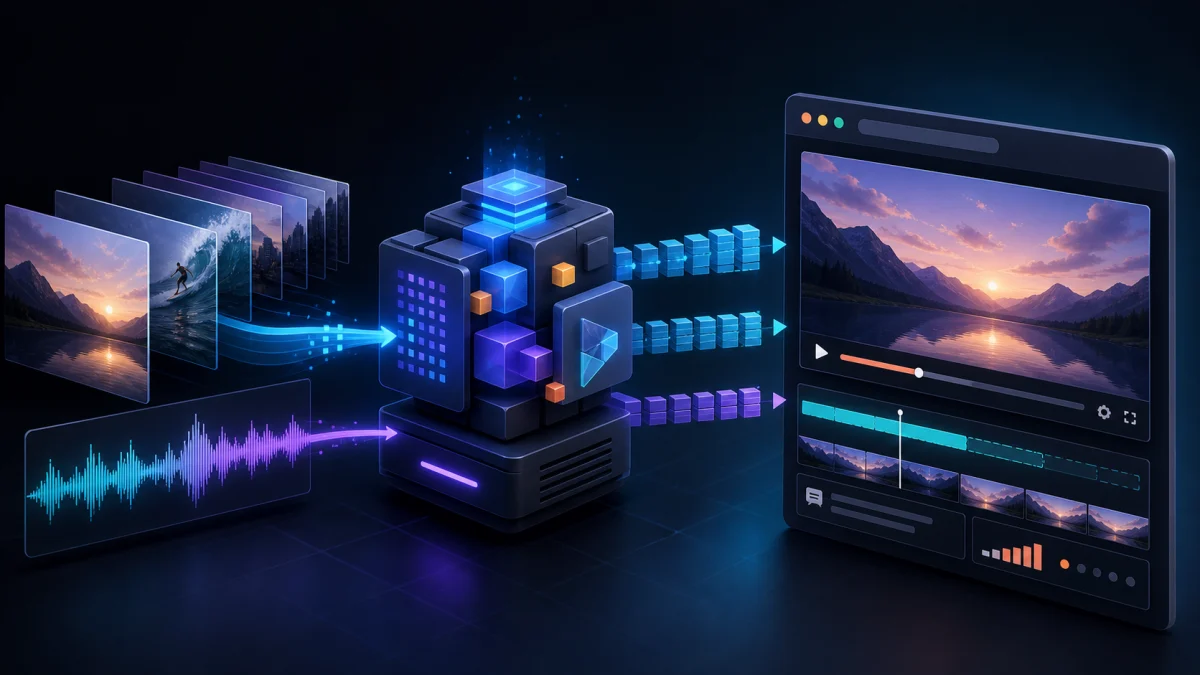
A reproducible 256px encoder test reveals eight video frames from three test cards, no audio track, a four-second speech cap and about 739 MB of preview models.Read guide →
A recorded CLI handoff tests a completed edit, an identical retry and a stale new operation against the same portable Timeline Studio project.Read guide →
An actual CLI rewrite preserves every non-project ZIP entry, renders a six-second vertical MP4 and rejects a visible-caption composition it cannot support.Read guide →
A practical guide to preparing MP4, fragmented MP4 and HLS media with FFmpeg for fast startup, accurate seeking and dependable browser playback.Read guide →
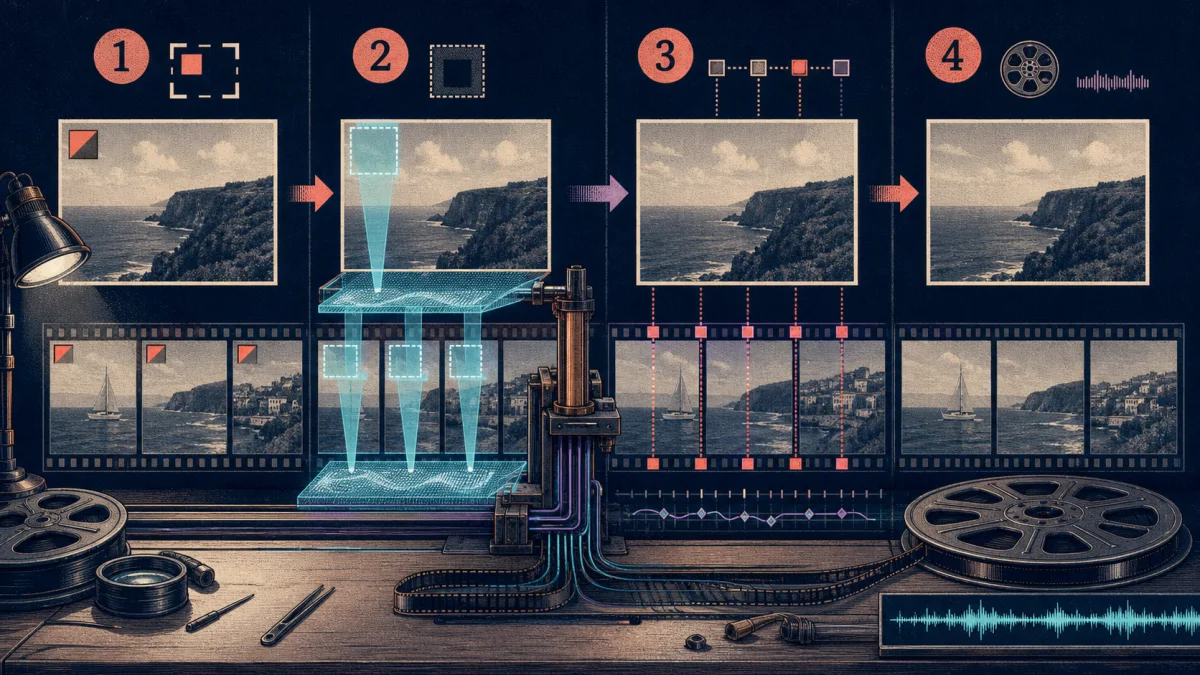
How Timeline Studio uses MI-GAN, WebGPU, masks, timed regions, position keyframes and browser-side MP4 composition to repair authorized images and video locally.Read guide →
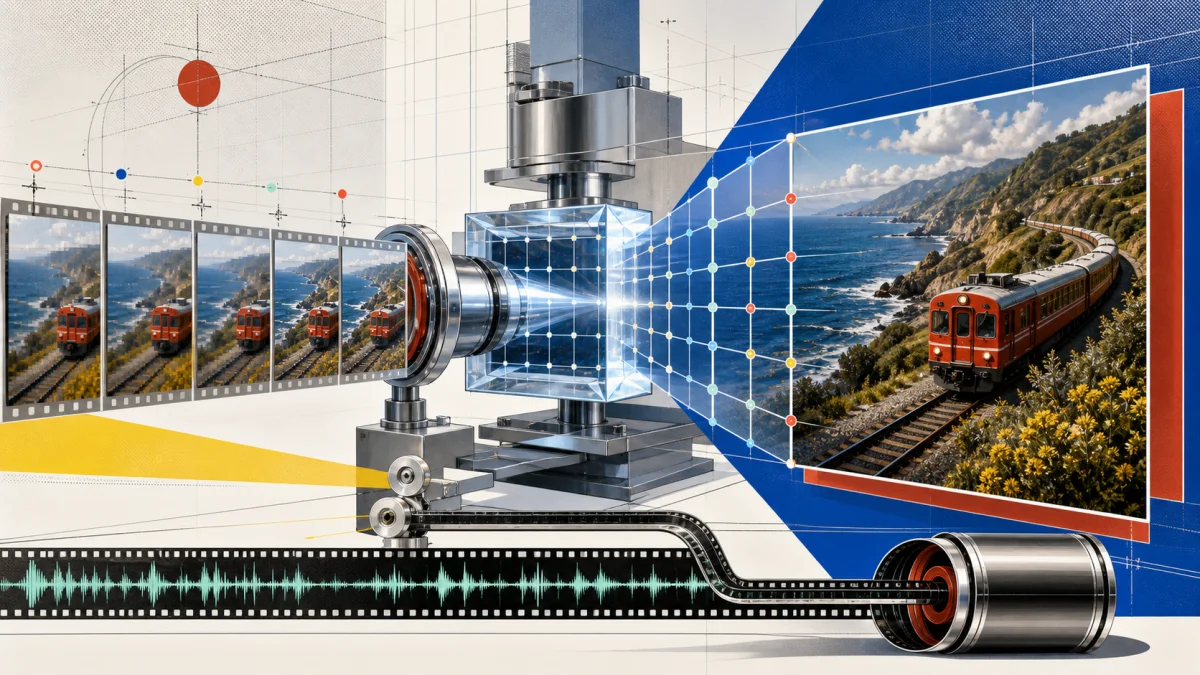
Inside Timeline Studio's local NanoVSR pipeline: five-frame temporal super resolution, fixed 320×180 model input, 4× reconstruction, source-detail protection and MP4 composition with audio.Read guide →