An editing brief becomes useful when it states both the desired change and what must survive it. This case asks for one modest edit: bring a diagnostic audio cue forward by one second, preserve its three-second source range, and keep its linked label aligned. The published brief, dry run and resulting project show exactly how that request became a checked timing change.
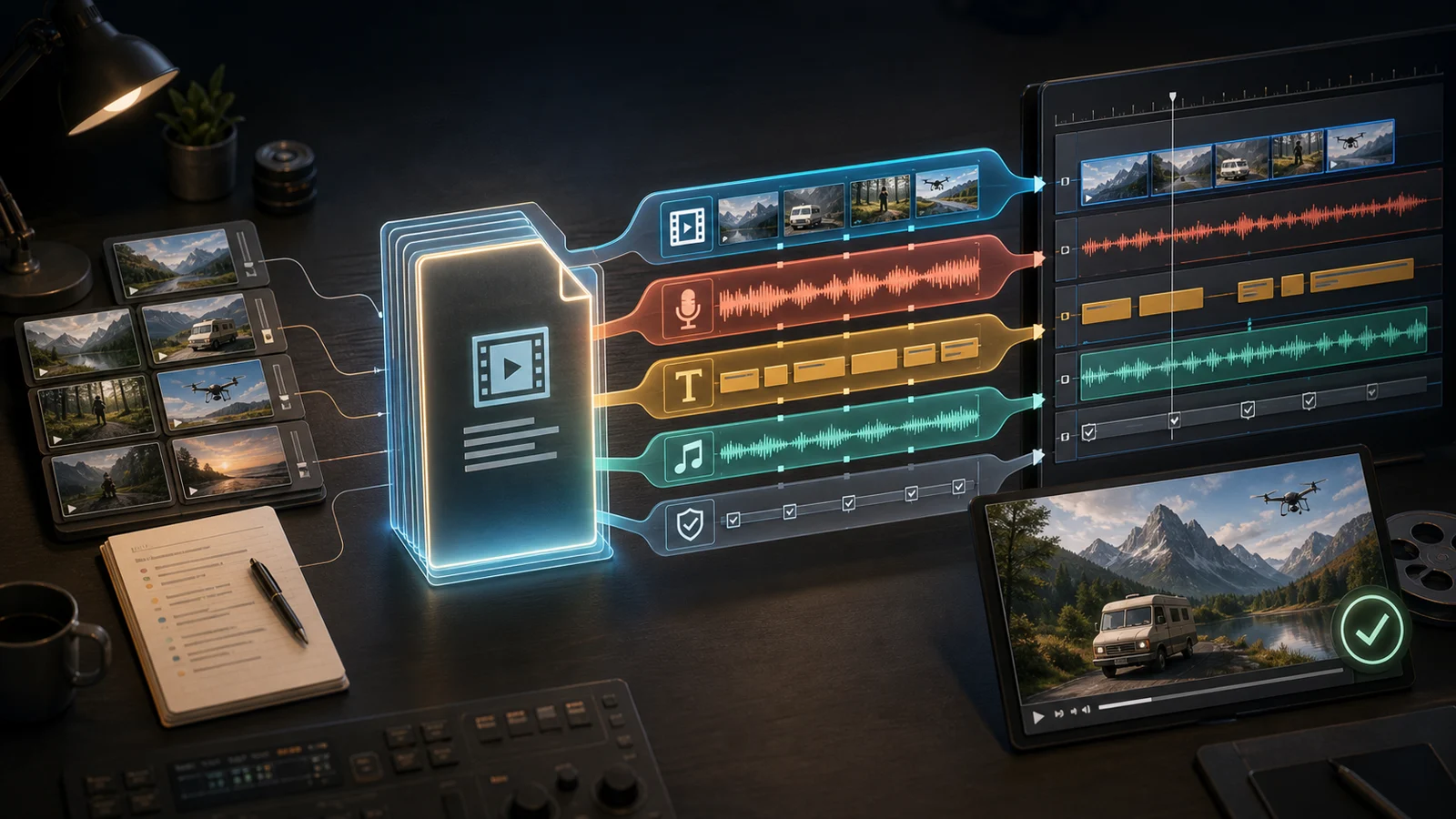
Concept illustration of a portable editing workflow. This article tests a synthetic audio cue and its linked timing label; it does not demonstrate generated narration or a finished captioned video.
THE EDITING REQUEST
Move the cue earlier. Preserve its source. Keep the linked label aligned.
01
Make the request precise enough to reject a wrong result
The published brief begins with a six-second visual slate. Its audio clip occupies project 2.0–5.0 seconds while using source 1.0–4.0 seconds. A linked caption occupies project 2.25–4.5 seconds. The requested move advances the cue one second; it does not shorten the source, accelerate it, change the picture or invent narration.
These inputs are synthetic. The audio is a sequence of tones from the earlier source-offset experiment, and the caption literally says “Diagnostic tone — not speech.” The text is a timing label, not an invented transcript. Starting with unequal project and source times makes a source reset easier to detect than a fresh clip whose offsets are all zero.
The expected result can be written before executing anything: audio at project 1.0–4.0, source still 1.0–4.0 at 1×, caption at 1.25–3.5, unchanged six-second visual slate. A completed command would be rejected if it met the new project start but lost any of those constraints.
02
Use one operation for the audio and its existing relationship
The plan contains one timed.move targeting voice-source, with start: 1. It is based on revision zero of the captioned starting project. It does not send a second independent caption move. The production reducer finds captions whose audioSegmentId matches the moved audio and shifts both caption boundaries by the same delta.
That distinction matters for a human brief. “Keep the label aligned” describes a relationship already present in the project. Recreating it with unrelated timestamps would make it easier for a later edit to move only one side. It would also hide whether the existing linkage worked. The input and result both retain the same linked clip ID.
Compare the predicted change with the saved project
The verifier first runs project.diff using that plan. The CLI returns no output artifact, and the input archive hash remains unchanged. It then runs project.run and compares the actual field-level changes with the preview. They agree. The written project reaches revision one and its parsed metadata satisfies every expected time and source-range value above.
The recorded responses show that the audio start and linked caption start/end change. Source offset, duration and playback rate remain intact. The visual segment array is asserted equal to the input. Download the edited portable project to repeat the remaining browser review. A timing validator cannot decide whether the cue sounds well placed for a real story; this fixture deliberately isolates the structural decision.
A useful next edit would begin with another concrete request, such as leaving a longer pause or changing the retained source interval. Those would require different acceptance values and possibly a different operation. They should not be smuggled into the current move merely because an Agent has access to the rest of the timeline.
04
Separate this result from an automatic editorial performance
This test did not choose shots, interpret an interview, synthesize a voice, judge pacing or verify browser playback. It demonstrates the narrower step from an explicit brief to linked, inspectable timeline state. For real speech, the remaining work includes listening to the original and edited passage, checking sentence boundaries and ensuring captions do not suggest words that the speaker never said.
The captioned result also exposes a render boundary. The same pinned CLI rejects it with UNSUPPORTED_RENDER_FEATURE, because this native renderer does not support visible captions. Removing a required label just to make an export pass would violate the brief. Use an editor render path that supports the composition and inspect the finished video, or agree on a different deliverable. A separate uncaptioned fixture is successfully rendered in the archive-handoff case.
Version boundary: This September 7, 2026 review uses Timeline Studio commit 68980d1. Its CLI exposes inspection, diff, project writes, prepared media import and a limited native FFmpeg renderer. That renderer supports the documented Visuals, Voiceover and Music subset; visible captions, stickers, overlays, transitions and other unsupported composition are rejected. Capabilities here describe this snapshot, not every hosted build or Agent environment.
Extract the linked kit and run node reproduce.mjs in its directory with Node, FFmpeg and ffprobe installed. The kit includes the pinned production CLI, command engine, render planner, fflate and synthetic input. It requires no account, model download or package installation. The loader changes import locations only; production function bodies remain unchanged. Reproduction writes the documented sibling fixtures and results/ files inside the kit.
No. The input is synthetic audio, and the linked caption is explicitly a diagnostic label. The recorded result concerns timing and source preservation.
Why does the plan contain only one move?
The audio clip already owns the linked caption. The pinned timed.move reducer shifts both caption boundaries by the same delta.
Did the command produce a complete captioned video?
No. The portable project was written and checked, but the pinned native renderer rejects visible captions. Finishing this composition requires a render path that supports the label and a separate playback review.