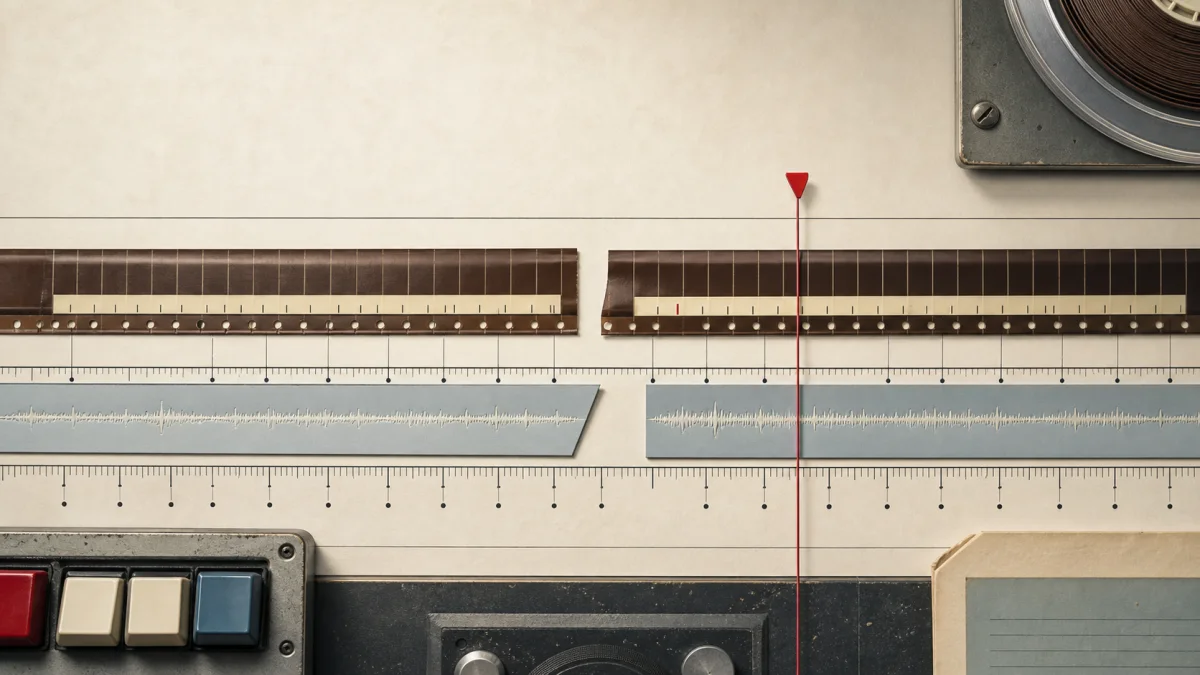
A four-second voiceover was cut at the playhead. The timeline showed two clean segments, and each waveform looked plausible. But when playback entered the second segment, the voice started again from the beginning. The edit looked right and sounded wrong. Fixing that bug in Timeline Studio v0.4.1 required more than changing one currentTime expression: every playback, seeking, synchronization and export path had to agree on the difference between project time and source-media time.
Hear the wrong source range, then reproduce the split
The original failure becomes easier to diagnose with an audio file whose source sections sound different. This new case uses an eight-second synthetic tone sequence, an already trimmed clip, the pinned production split reducer, and two portable projects. No microphone recording or AI model is required.
EXACT STARTING STATE
The audio clip occupies project 2.0–5.0 seconds, while representing source 1.0–4.0 seconds at 1× speed. Its sourceStart is already 1.0. Cut at project 3.5 seconds, not at the beginning of a fresh source.
RESULT FROM THE PRODUCTION REDUCER
The left clip stores start 2.0, duration 1.5 and sourceStart 1.0. The right stores start 3.5, duration 1.5 and sourceStart 2.5. The two project ranges remain adjacent and their source ranges cover the original retained span exactly.
A FAILURE YOU CAN DISTINGUISH
At the right clip's entrance, the correct source time is 2.5 seconds: the 330 Hz section. Omitting the offset seeks to 0.0 seconds: the lower 220 Hz section. The listening controls below are PCM slices generated from the same source; they demonstrate the error and are not presented as captured browser exports.
01
Listen to the same boundary with and without the offset
Open the starting project and compare the retained source time
Download before-split.timeline, open it in Timeline Studio, select its audio clip and split at 3.5 seconds. Compare it with after-split.timeline. Both include the full diagnostic source and a synthetic color slate. The visual lane is locked and captions are disabled.
The archive writer and reader restored both files in the recorded Node run. Every restored audio entry matched the original WAV byte for byte, and the project remained six seconds long. The split reducer shares one Blob; the archive writer embeds an entry for each split clip. Inspect before metadata, after metadata and the production command engine's structural diff without opening an editor.
03
Protect the next edit as well as the first cut
The executable check cuts the retained right clip again at project 4.0 seconds and obtains sourceStart 3.0. A separate 2× case obtains sourceStart 4.0 at the first cut. Other checks preserve a locked lane and reject an edge cut, while verifying waveform fixture slices, fade cleanup, linked-caption ownership, selected clip identity and distinct object URLs. These assertions execute the included production reducer.
Run node verify.mjs inside the downloaded kit. The September 7 run passed ten check groups across this case and the companion mobile case on Node 22.14.0, macOS arm64. This is a reducer and archive result. Browser playback, seek/drift correction and MP4 export still require the listening checks described in the README.
01
The visible edit concealed a second clock
Timeline editing is non-destructive. Cutting a clip does not rewrite the original Blob; it creates two views over different ranges of the same source. Timeline Studio already stored start, the location where a segment appears in the edited project, and duration, the amount of project time it occupies. That was sufficient while every clip began at the first sample of its source. The assumption broke after a split. The second segment could begin at project time 3.5 seconds while representing audio that began 2.5 seconds inside the original recording. One segment now needed two coordinates. Without an explicit source offset, the playback element could know where to appear but not where to listen.
02
Why the old calculation repeated the beginning
The former path effectively set audio currentTime to timelineTime minus segment.start. That expression produces clip-local time: zero at the segment's left edge, then one, two and three seconds as the playhead advances. It is correct only when the represented source range also starts at zero. After a split, entering the second segment still produces local time zero, so the media element seeks to the beginning of the full recording. The general invariant is different: source time equals source offset plus clip-local timeline time. Naming those terms made the failure obvious and prevented the fix from becoming another special case around the cut point.
03
The split now accumulates sourceStart
At the playhead, the first duration is the cut time minus the original segment start. The first segment keeps its existing sourceStart and retains waveform peaks before the proportional split. The second segment starts at the cut, receives the remaining duration and advances sourceStart by the duration retained in the first piece. If a segment already represented audio beginning one second into a file and was cut after another 1.5 seconds, the new second segment must begin at source time 2.5 seconds—not 1.5 and certainly not zero. Accumulation matters because editors can cut an already trimmed or previously split segment more than once.
04
Playback, seeking and synchronization share the rule
Correct split data is useless if consumers interpret it differently. Timeline Studio now adds sourceStart when playback crosses into a segment, when a user drags the playhead, and when the media synchronization effect corrects drift between project time and the HTML audio element. These paths used to look like separate UI behaviors, but all three answer the same question: which sample of the original media corresponds to this project position? Centralizing the clip-local calculation and adding the stored offset keeps ordinary playback and explicit seeking aligned. It also means a correction designed to reduce drift cannot accidentally jump a split segment back to the beginning.
05
Preview and export must hear the same edit
A browser editor has at least two audio engines: live media elements for responsive preview and decoded buffers for deterministic offline export. Fixing only the visible playback bug would have created a more dangerous failure—the editor would sound correct, but the downloaded video would repeat the wrong phrase. Timeline Studio now passes sourceOffset and the trimmed sourceDuration into the offline mixer. Its compatibility export path schedules the decoded buffer with the same range. The application therefore treats preview and export as two implementations of one timeline contract, not as independent features that happen to consume similar objects.
06
Waveforms are part of the truth
Waveform peaks are not decoration. Editors use them to choose a cut and to verify that the second clip begins with the expected syllable or silence. When a segment is divided, its peak array is split at the proportional position of the edit. The first segment keeps the earlier peaks and the second keeps the remainder. This does not decode or modify the underlying audio; it preserves a visual index for each view of the source. Keeping geometry, sound and waveform consistent is essential because a plausible but incorrect waveform can hide a playback bug and cause users to distrust their own edit decisions.
07
Linked captions need an unambiguous owner
Voiceovers can be linked to caption segments, so cutting audio also raises an ownership question. The original caption remains associated with the first audio segment and its end is clamped to the cut time. The newly created audio segment receives its own identity instead of letting one caption point ambiguously at two independently movable clips. This behavior is deliberately conservative: a split operation should not invent new words or duplicate caption text. It should preserve the valid relationship, prevent timing from extending beyond the retained audio, and leave the editor free to create or adjust a second caption intentionally.
08
The regression test encodes the complete invariant
The strongest test does not start with a pristine clip at source time zero. It starts with an audio segment whose sourceStart is already one second, splits it 1.5 seconds into the displayed clip, and expects the second segment to store 2.5 seconds. The assertion also checks both project ranges, proportional waveform slices, fade-boundary cleanup, caption relinking, selection of the new segment and safe object-URL replacement. That breadth is intentional. Media bugs often reappear when a correct numeric fix leaves neighboring state inconsistent. Testing the operation as an editorial transaction protects more than one arithmetic expression.
09
The larger lesson is to make every clock explicit
Video editors routinely manage project time, track time, clip-local time, source-media time and sometimes playback-rate-adjusted time. The values may coincide for a fresh clip, which makes shortcuts look harmless. Editing operations cause them to diverge. A robust model names the coordinate carried by each field, defines conversions in one place and makes preview, synchronization, visualization and export consume the same rule. Timeline Studio v0.4.1 is a small release with a useful systems lesson: software becomes trustworthy when the downloaded result follows the same temporal contract as the pixels and waveforms the editor showed before export.
REFERENCE
Frequently asked questions
What is sourceStart?
It is the position inside the original audio file where a non-destructive timeline segment begins. It is separate from start, which is the segment's position in the edited project.
Why did only the second split segment sound wrong?
Clip-local time resets to zero at each segment boundary. Without adding the source offset, the second segment therefore sought to zero in the original recording.
Why was a playback-only fix insufficient?
Seeking, drift correction and two offline export paths also convert project positions into source positions. Every consumer must use the same offset rule.
Does splitting rewrite or duplicate the audio file?
No. Both segments remain non-destructive views over ranges of the same source Blob, with independent timeline geometry and source offsets.
How are waveform peaks handled?
The cached peak array is divided at the proportional cut position so each segment displays the portion of the waveform corresponding to the range it plays.
Which release contains the fix?
The complete source-offset fix and its regression coverage are included in Timeline Studio v0.4.1, released from commit 6dab1a7 after the underlying editor update in 8287b90.
AUTHOR
Martin Delophy
Independent full-stack and algorithm engineer in China with 10 years of frontend, AI and audio/video development experience, including 5 years focused on AI. His open-source work covers browser AI, ONNX, WebGPU, Transformers, Stable Diffusion and local-first creative tools.