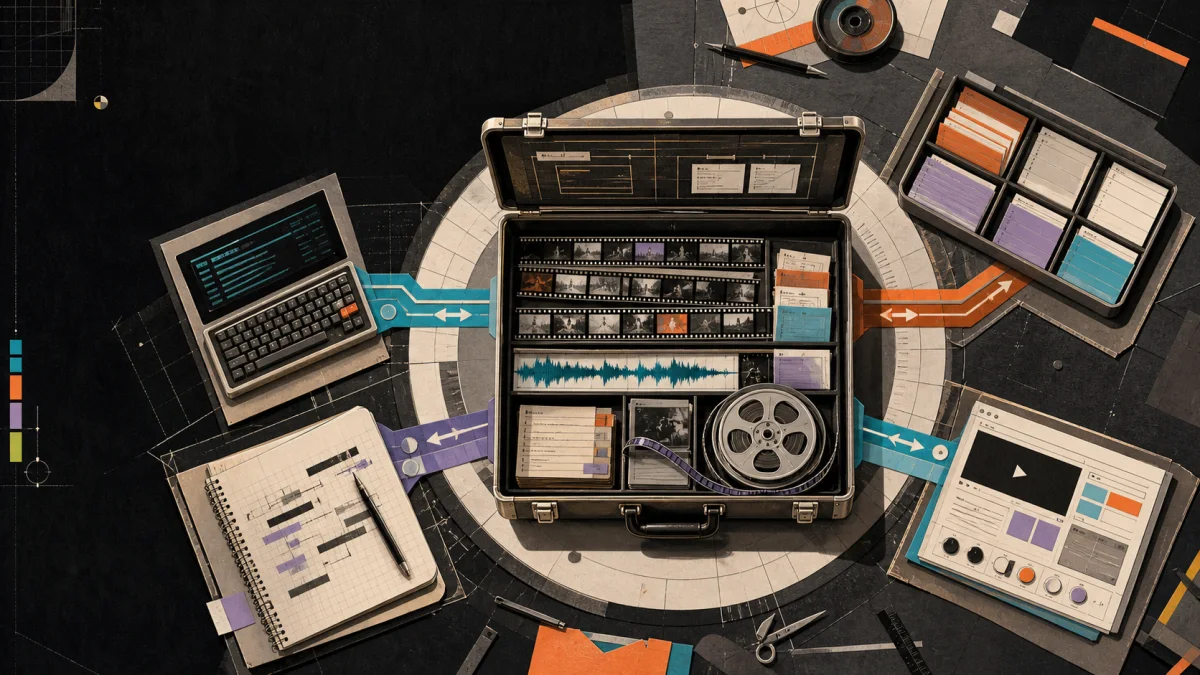
When an editing request crosses from one Agent session to another, the dangerous ambiguity is whether the first session already wrote the change. This field note follows one saved audio move through a fresh command process, then compares a harmless retry with a conflicting new request. The evidence concerns the project contract; it is not a four-vendor integration test.
A terminal can lose its connection after a file has been written. Another Agent may then receive the original request and the resulting archive, without the first process still being available. In our fixture, a three-second diagnostic audio clip starts at project 2.0 seconds and represents source 1.0–4.0 seconds. The request moves its project start to 3.25 seconds. A second application with an invented new intention could change the edit again; a retry should instead recognize the operation already present in the project.
The test input is a portable six-second project with a synthetic color slate and tone sequence. It contains no person, client footage or private recording. The first JSON plan names clip voice-source, operation handoff-move-01 and baseRevision: 0. Stable project data is the handoff material; a screenshot of the previous Agent session would not answer these questions.
02
Three fresh processes produce three different decisions
Recorded calls to the pinned production CLI
Input and operation
Observed result
Meaning
Revision 0; move handoff-move-01 to 3.25 s
Revision 1; one applied ID
The requested move was committed to a sibling archive.
Saved revision 1; repeat the same ID and original baseRevision 0
Revision 1; no applied IDs
The retry recognizes the completed intention and leaves project state identical.
Saved revision 1; new ID handoff-new-02, stale baseRevision 0, target 4.0 s
REVISION_CONFLICT; exit code 1
A new edit cannot use the old revision; the requested output file is absent.
Download the first result and retry result. The verifier compares their parsed project objects, including clip state and command history. It does not claim the ZIP files have identical bytes: their export metadata can differ. The original input remains byte-for-byte unchanged.
This exposes a detail that a blanket “stale revisions always fail” explanation misses. The engine checks whether every operation ID was already applied before rejecting a stale revision. A completely repeated plan can therefore be a successful no-op. A stale plan containing a new operation takes the conflict path. The retry request and stale new request make the distinction inspectable.
03
Carry the editing intention, then discover the local transport
The preserved archive tells the next session which clip exists and which operation has already been recorded. A Skill can then inspect whether the environment has the repository, command runner and required media services. Where those are available, it can reuse the same plan contract. Where they are absent, it needs the visible editor or another verified adapter. An instruction package cannot grant filesystem, browser or render access that the host does not provide.
Use a new operation ID for a changed editorial intention, after inspecting the latest revision. Reusing an old ID with different arguments is not a safe way to ask for an update: this snapshot recognizes the recorded ID, rather than comparing a newly supplied argument body with the old intention. The test used identical arguments for its retry and a new ID for its changed request.
Version boundary: This September 7, 2026 review uses Timeline Studio commit 68980d1. Its CLI exposes inspection, diff, project writes, prepared media import and a limited native FFmpeg renderer. That renderer supports the documented Visuals, Voiceover and Music subset; visible captions, stickers, overlays, transitions and other unsupported composition are rejected. Capabilities here describe this snapshot, not every hosted build or Agent environment.
04
What the test establishes across channels
Each call launched a fresh Node process against saved files. That verifies persistence beyond one process, including the conflict response and the absence of the failed output. It does not exercise Codex, Claude Code, Copilot or Gemini CLI installations, their approval prompts, browser focus or network interruption. Those integrations require their own tests. The transport-independent state result is useful precisely because those host-specific checks can be performed separately.
The original July description of a voiceover-and-caption-only registry has been superseded in this review. The pinned engine also includes visual trim, split and reorder, prepared imports, clip properties and track state. The matching command reference and exact registry define the available operations; the case here exercises only timed.move and its transaction guards.
Extract the linked kit and run node reproduce.mjs in its directory with Node, FFmpeg and ffprobe installed. The kit includes the pinned production CLI, command engine, render planner, fflate and synthetic input. It requires no account, model download or package installation. The loader changes import locations only; production function bodies remain unchanged. Reproduction writes the documented sibling fixtures and results/ files inside the kit.
No. The recorded handoff uses fresh CLI processes and saved archives. Vendor-specific installation, approval and browser behavior were not tested.
Why does the retry accept an old baseRevision?
All operation IDs in that request were already recorded. The engine returns an unchanged project before checking the revision for new work.
Can this source version import media or render?
Yes. The pinned CLI prepares media imports and provides a native FFmpeg renderer for a documented subset. This handoff case does not test media import. The companion archive case records a successful limited render and rejection of a captioned project.
AUTHOR
Martin Delophy
Independent full-stack and algorithm engineer in China with 10 years of frontend, AI and audio/video development experience, including 5 years focused on AI. His open-source work covers browser AI, ONNX, WebGPU, Transformers, Stable Diffusion and local-first creative tools.