PRACTICAL GUIDE
How to Colorize Old Photos Responsibly
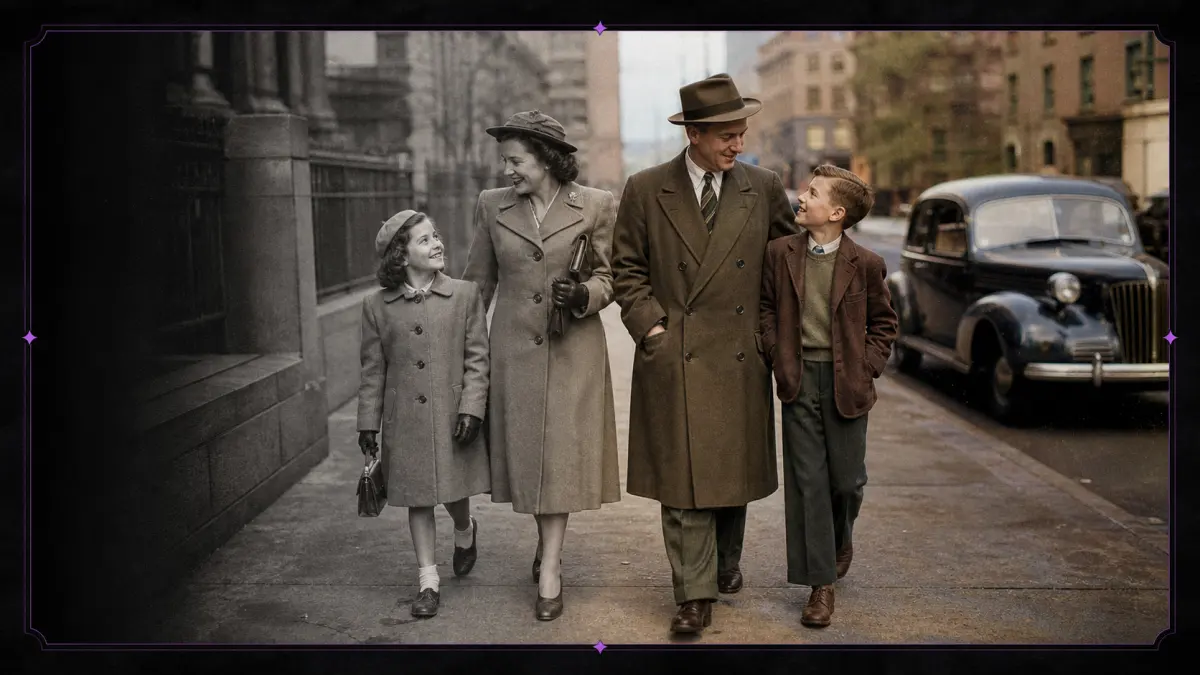
Colorization can make family photographs and historical scenes easier to explore, but generated color is an interpretation. The model predicts likely hues from visual context and learned patterns; it does not recover the original pigment. Responsible use means preserving the source, reviewing the result and labeling generated color when historical accuracy matters.
CHECKLIST
Practical review checklist
- 01Archive an untouched scan before cropping, repairing damage or changing contrast.
- 02Use contemporary references when uniforms, objects or locations require historically defensible colors.
- 03Inspect hands, reflections, windows and background figures rather than reviewing only the main face.
- 04Keep saturation conservative and compare the result with the grayscale luminance structure.
- 05Label published results as AI-colorized and record the tool, date and later manual edits.
Prepare the scan before adding color
Begin with a high-quality scan and preserve an untouched archival copy. Correct rotation, crop damaged borders only when appropriate and remove obvious dust without erasing meaningful detail. Adjust extreme contrast carefully: completely white highlights and black shadows contain little information for the color model. Avoid strong sharpening, which can turn scratches and film grain into distracting colored edges.
Understand what the model is guessing
Skin, sky, vegetation and common clothing have statistical patterns that help a model propose plausible colors. Specific uniforms, painted objects, regional textiles and historical interiors may not follow those averages. Two equally plausible colorizations can differ substantially. Written records, known artifacts and other photographs from the same event are better evidence than the generated result.
Review the entire image, not only the face
Faces attract attention, but errors often appear elsewhere: a hand may receive a different skin tone, a window may be interpreted as sky, or background clothing may blend together. Zoom out to assess overall color balance, then inspect boundaries, reflective surfaces and small repeated objects. Excessively saturated color can make an old image look artificial even when individual regions seem reasonable.
Preserve provenance
Keep the original monochrome scan and store the generated version as a separate file. Use a filename or caption that identifies the image as AI-colorized. For museums, journalism, education and genealogy, document the tool, date and any manual edits. This prevents an interpretation from later being mistaken for an authentic color photograph.
Rights and privacy still apply
Age does not automatically place a photograph in the public domain, and family images can contain sensitive personal context. Confirm that you have permission to process and publish the source. Avoid misleading claims about clothing, ethnicity, health, military affiliation or other attributes that cannot be verified from the original.
REFERENCE
Frequently asked questions
Are AI-generated colors historically accurate?
They can be plausible but are not evidence of the original colors.
Should I repair scratches first?
Removing major damage can help, but preserve an original scan and avoid erasing authentic detail.
Why are some areas gray or unstable?
The model may lack enough visual context to assign a confident color.
How should I publish a colorized image?
Label it as colorized or AI-assisted and retain the original alongside it when possible.